Table of Contents
ToggleSetting up a home office isn’t just about finding a desk and plugging in a laptop. The chair you’re sitting in eight-plus hours a day matters more than most people realize until their lower back starts reminding them daily. A reclining office chair changes the game, it lets you shift positions throughout the day, reduces pressure on your spine, and can turn a quick break into actual recovery time without leaving your workspace. Whether you’re drafting emails or deep in a video call, the ability to lean back and adjust your posture isn’t a luxury, it’s a practical necessity for anyone serious about long-term comfort and focus.
Key Takeaways
- A reclining office chair reduces lumbar disc pressure by up to 30% compared to upright posture by redistributing body weight and opening the hip angle.
- Multi-point synchro-tilt mechanisms are the ideal recline mechanism for most users, keeping feet planted while maintaining stability as you lean back.
- Adjustable lumbar support, proper backrest height, and 4D-adjustable armrests are essential ergonomic features that prevent long-term back and shoulder strain.
- Setting up your office chair correctly—adjusting seat height, depth, lumbar support, armrests, and recline tension—is critical for maximizing comfort and focus throughout your workday.
- An office chair that reclines supports dynamic movement and different work modes, preventing the stiffness, poor posture, and tension headaches caused by static sitting.
Why a Reclining Office Chair Is a Game-Changer for Your Home Office
Static sitting kills productivity and wrecks your body. When you’re locked in one position for hours, blood flow slows, muscles stiffen, and your lumbar discs compress under constant load. A reclining mechanism addresses this by allowing dynamic movement, leaning back shifts your weight distribution and opens up the hip angle, which reduces pressure on the lower spine.
Most people don’t realize that a slight recline (around 100-110 degrees) is biomechanically healthier than sitting bolt upright at 90 degrees. It redistributes your body weight from your sit bones to your backrest, cutting disc pressure by up to 30% compared to an upright posture. That’s not marketing fluff, it’s backed by ergonomic research.
Beyond the health benefits, a reclining chair supports different work modes. Reviewing a document? Lean back. Typing? Upright and locked. Taking a call? Tilt and pivot. The flexibility mirrors how you’d naturally move if you weren’t chained to a desk, and it keeps you from slumping forward into that neck-craning, shoulder-hunching posture that leads to tension headaches.
If you’re assembling a dedicated workspace, this is one piece of gear worth the investment. A solid reclining office chair will outlast most desks if you pick the right one and maintain it properly.
Key Features to Look for in a Reclining Office Chair
Not all recline functions are created equal. Here’s what separates a chair that’ll serve you for a decade from one that’ll be curbside in two years.
Recline Mechanism and Tilt Options
There are three main types of recline mechanisms, and each behaves differently under load.
Single-point tilt pivots from a fixed point under the seat. It’s simple and cheap, but it can feel unstable, your feet lift off the ground as you recline, which isn’t ideal for everyone.
Multi-point or synchro-tilt mechanisms adjust the seat and backrest at different ratios (commonly 2:1). As you lean back, the seat tilts slightly forward, keeping your feet planted. This is the sweet spot for most users and the standard in mid- to high-end office chairs.
Knee-tilt mechanisms pivot from a point closer to the front edge of the seat, mimicking a more natural rocking motion. These are less common but worth seeking out if you’re sensitive to pressure behind the knees.
Look for tilt tension adjustment, a knob or lever that lets you dial in how much resistance the recline offers. Heavier users need more tension: lighter users need less. If a chair doesn’t offer this, it’s a compromise you’ll feel every day.
Some models include a tilt lock that lets you fix the chair at multiple angles, not just upright. This is useful if you like to work in a semi-reclined position or want stability during specific tasks.
Lumbar Support and Ergonomic Design
A recline feature means nothing if the backrest doesn’t support your spine correctly. Adjustable lumbar support is non-negotiable. Your lumbar curve sits roughly 8-10 inches above the seat pan, but everyone’s torso length is different. The support should move up and down, and ideally in and out, to match your anatomy.
Some chairs use a fixed lumbar pad, which works if it happens to line up with your back. Others use a dial or lever to adjust depth and height. The latter is worth the extra cost.
Check the backrest height. If you’re over 6 feet tall, a standard-height backrest won’t support your upper back or shoulder blades. Look for chairs labeled as “tall” or “executive” with backrests extending at least 22-24 inches from the seat.
Armrests matter more than you’d think. 4D-adjustable arms (height, width, depth, and angle) let you position your elbows at a neutral 90-degree angle, reducing shoulder strain. If the arms are fixed or only height-adjustable, they’ll either dig into your desk or leave your shoulders unsupported.
Materials make a difference too. Mesh backrests breathe well and conform to your spine but can sag over time. Upholstered foam provides firmer support and a more traditional feel. If you run hot, mesh wins. If you prioritize structure, go foam.
Top Types of Reclining Office Chairs for Different Needs
Not everyone needs the same chair. Match the type to how you actually work.
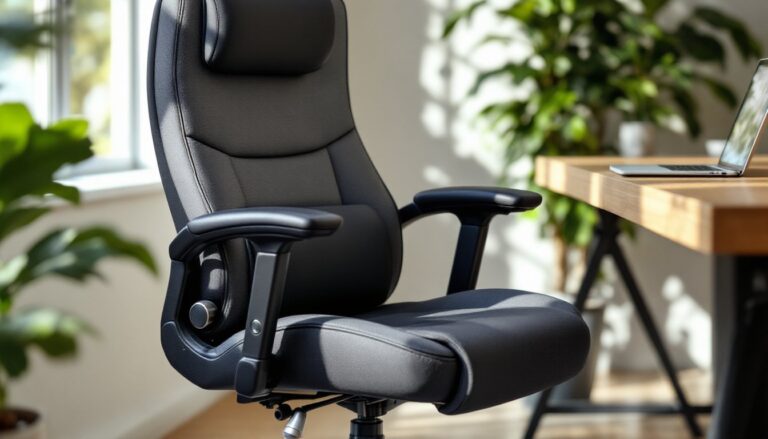
Executive recliners are the big, padded chairs with high backs, wide seats, and deep recline angles (up to 135 degrees). They’re built for long hours and often include a headrest and footrest. These work well if you take frequent calls, read a lot on screen, or need a chair that doubles as a power-nap station. Expect 300-400 lb weight capacities and bases with reinforced Class 4 gas cylinders.
Task chairs with recline are lighter, more compact, and designed for active workstations. They usually cap out at 120-degree recline and prioritize mobility over deep lean-back. If you’re hopping between tasks, typing, sketching, reviewing prints, a task chair keeps you nimble. Look for dual-wheel casters rated for your floor type (hard or carpet).
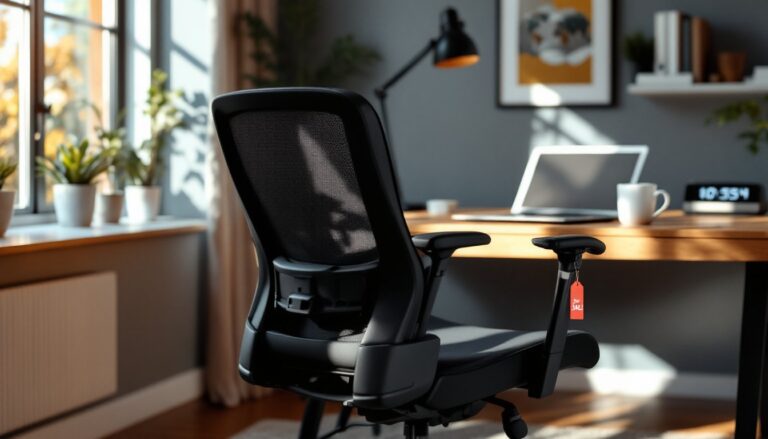
Ergonomic mesh recliners blend breathability with adjustability. Brands in this category often feature synchro-tilt, adjustable lumbar, and flexible backrests that move with you. These are ideal for warm climates or anyone who sweats easily. The mesh can stretch over time, so check warranty terms, reputable manufacturers offer 7-12 year coverage on the mesh and frame.
Hybrid recliners blur the line between office chair and lounge chair. Some models incorporate footrests, ottomans, or even massage functions. These are overkill for most DIYers but worth considering if your home office also serves as a reading nook or creative space. Design-forward furniture often highlights hybrid models that balance aesthetics with function, especially if you’re coordinating with existing decor.
If you’re on a budget and handy with tools, a POÄNG-style pivot modification can turn a basic chair into a gravity recliner. It’s not a full replacement for a dedicated office chair, but it’s a clever stopgap if you’re between upgrades.
For those prioritizing high-end aesthetics and ergonomic innovation, publications like Elle Decor occasionally feature designer-grade reclining task chairs that push the envelope on materials and form, though expect to pay for the privilege.
How to Set Up and Adjust Your Reclining Office Chair for Maximum Comfort
A $1,000 chair set up wrong performs worse than a $200 chair dialed in correctly. Here’s the step-by-step.
-
Adjust seat height first. Sit with your feet flat on the floor. Your thighs should be parallel to the ground, with a 1-2 inch gap between the front edge of the seat and the back of your knees. If your feet dangle, use a footrest. If your knees are higher than your hips, raise the seat.
-
Set seat depth (if adjustable). Slide the seat pan forward or back so there’s about 2-4 inches of clearance between the seat edge and your knees. Too much depth and you’ll cut off circulation: too little and you lose thigh support.
-
Adjust lumbar support. Sit all the way back. Position the lumbar pad so it supports the inward curve of your lower back. You should feel gentle, firm pressure, not a sharp poke. Adjust height first, then depth.
-
Set armrest height. Your elbows should rest lightly on the arms with shoulders relaxed, forming a 90-degree angle. If the arms push your shoulders up, lower them. If your arms hang unsupported, raise them. Adjust width so your arms aren’t splayed out or pinched in.
-
Dial in recline tension. Sit upright and locate the tension knob (usually under the seat, front-right side). Turn it clockwise to increase resistance, counterclockwise to decrease. You should be able to recline smoothly without the chair slamming backward or requiring a hard shove.
-
Test the tilt lock. Lean back to your preferred angle and engage the lock. Some chairs let you lock at multiple positions: others only lock upright. Make sure it holds firm, no creeping or drift.
-
Check your monitor height. When you’re in your neutral reclined working position, the top of your screen should be at or slightly below eye level, about 20-30 inches from your face. Recline changes your sightline, so you may need to raise your monitor on a stand or arm.
Safety note: Wear gloves when handling adjustment mechanisms, pinch points are common, especially under the seat. If you’re swapping out casters or the gas cylinder, use safety glasses. Gas cylinders are under pressure and can fail violently if mishandled. If the cylinder won’t budge, don’t force it, use a pipe wrench with even pressure or call in a friend.
Once everything’s set, sit for 20-30 minutes and make micro-adjustments. Your body will tell you what’s off. Too much lower back pressure? Reduce lumbar depth. Feet going numb? Check seat depth. Arms tired? Adjust armrest height.
Revisit these settings every few months. Weight changes, posture habits, and chair wear all shift the baseline. A quick tune-up takes five minutes and can prevent weeks of discomfort.
Conclusion
A reclining office chair isn’t about luxury, it’s about building a workspace that supports how your body actually works over the course of a full day. Get the mechanism right, dial in the ergonomics, and you’ll notice the difference not just in comfort but in how long you can stay focused without fighting stiffness. Take the time to set it up correctly, and it’ll pay you back in every hour you sit down to work.