Table of Contents
ToggleSetting up a productive home office isn’t just about slapping a laptop on any flat surface and hoping for the best. A poorly designed workspace leads to back pain, eye strain, and distraction, none of which help anyone meet deadlines or stay focused. The good news? Building an efficient, ergonomic home office doesn’t require an interior designer or a massive budget. It requires intentional choices about furniture, lighting, layout, and organization. This guide walks through the essentials, from desk height and monitor positioning to acoustic treatment and storage, so anyone can build a workspace that actually works.
Key Takeaways
- Proper desk height (28-30 inches) and an ergonomic chair with lumbar support are the foundation of a productive home office setup that prevents pain and improves focus.
- Layered lighting—combining natural light, task lighting (4000K-5000K color temperature), and ambient light—reduces eye strain and supports sustained productivity throughout the day.
- Smart storage solutions like wall-mounted shelves, filing cabinets, and cable management systems eliminate desk clutter and mental distraction without requiring major investment.
- Monitor positioning at eye level and an arm’s length away, supported by monitor arms and proper keyboard placement, directly reduces neck strain and improves posture.
- Acoustic treatment through rugs, curtains, acoustic panels, and weatherstripping creates a quieter environment that boosts focus and minimizes productivity disruptors.
- Adding low-maintenance plants and intentional decor in calming colors (blues and greens) personalizes the space while maintaining the focus needed for deep work.
Choose the Right Desk and Chair for Ergonomic Comfort
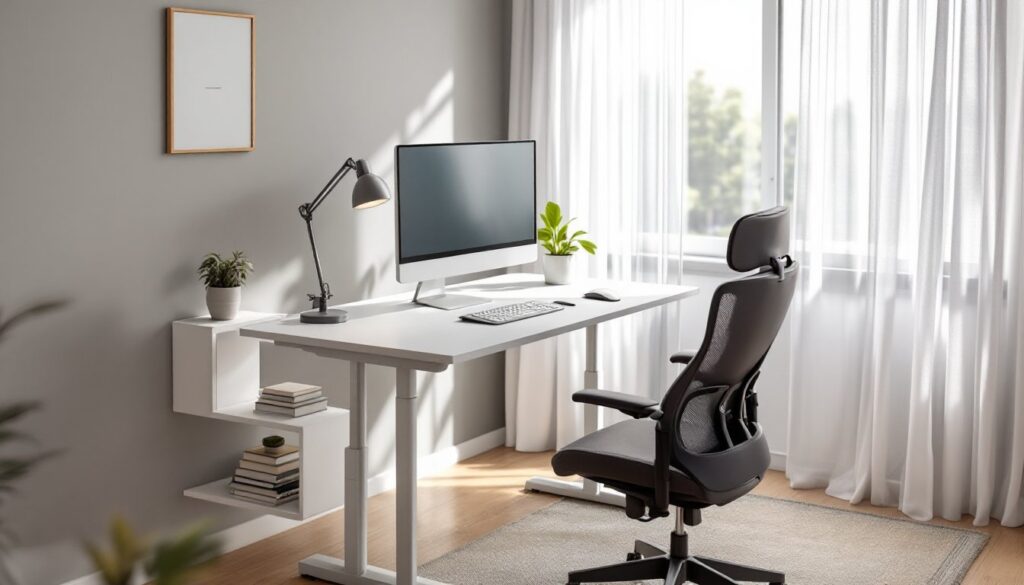
The foundation of any productive workspace is furniture that supports the body for hours at a time. A desk that’s too high or too low forces awkward wrist angles and shoulder tension. A chair without proper lumbar support leads to lower back pain by mid-afternoon.
Desk height matters more than most people think. For seated work, the standard desk height is 28 to 30 inches, which works for most adults when paired with an adjustable chair. Elbows should rest at roughly 90 degrees when typing, with wrists neutral, not cocked up or down. If the desk is fixed and doesn’t fit, a keyboard tray can bridge the gap.
Standing desks have become popular, and for good reason. Alternating between sitting and standing throughout the day reduces fatigue and improves circulation. Most standing desks offer electric or manual height adjustment, with a range from about 25 to 50 inches. Look for models with programmable presets if the budget allows, constantly cranking a manual adjustment gets old fast.
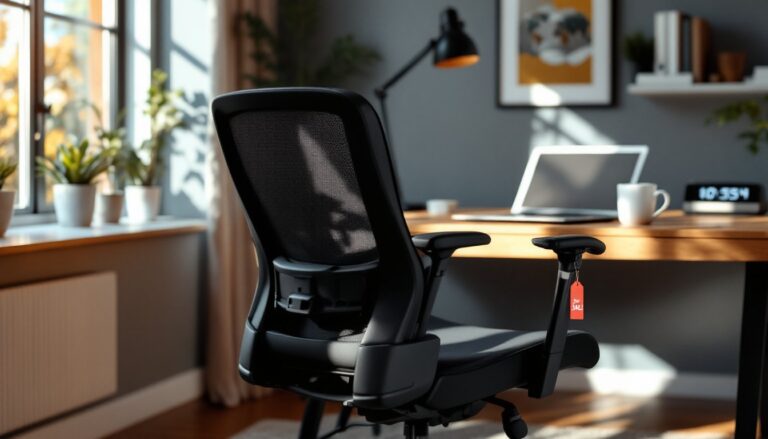
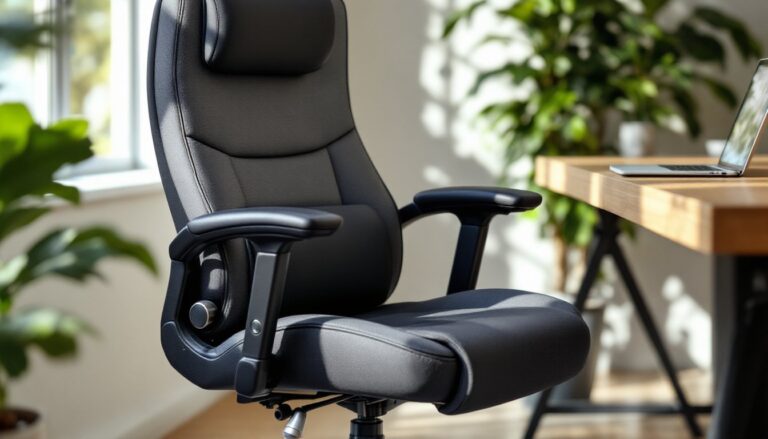
Chairs are where many DIYers try to save money and regret it later. A quality task chair should have adjustable seat height, lumbar support, and armrests. The seat pan should support the thighs without pressing into the back of the knees. Mesh backs offer breathability: padded seats offer cushion. Both work, but skip anything without lumbar adjustment. Spending $250 to $500 on a solid ergonomic chair isn’t extravagant, it’s preventive maintenance for the spine.
For those considering a luxury home office aesthetic, higher-end chairs and motorized sit-stand desks fit the bill, but even budget-conscious setups benefit from prioritizing ergonomics over style.
Optimize Your Lighting to Reduce Eye Strain and Boost Focus
Poor lighting causes eye strain, headaches, and fatigue, all productivity killers. A home office needs layered lighting: ambient light for general visibility, task lighting for focused work, and ideally some natural light to regulate circadian rhythm.
Natural vs. Artificial Light
Natural light is the gold standard. It reduces eye strain, improves mood, and helps maintain a healthy sleep-wake cycle. Position the desk perpendicular to windows when possible, not directly facing them or with them directly behind the monitor. Glare on the screen forces squinting and awkward postures. If the only option is a window-facing setup, use adjustable blinds or sheer curtains to diffuse direct sunlight.
When natural light isn’t enough, or during evening hours, artificial lighting fills the gap. Task lighting should illuminate the work surface without creating glare on the monitor. A desk lamp with an adjustable arm and a color temperature between 4000K and 5000K mimics daylight and promotes alertness. Avoid warm, dim bulbs (below 3000K) in a workspace, they’re better suited for winding down, not working.
Ambient lighting prevents harsh contrast between the bright screen and a dark room. Overhead fixtures or floor lamps with diffused shades work well. LED bulbs are energy-efficient and generate minimal heat, and they’re available in a range of color temperatures and brightness levels. Avoid fluorescent fixtures if possible, they flicker imperceptibly but can cause eye fatigue over time.
Dimmer switches or smart bulbs allow adjustment throughout the day. Morning light can be brighter and cooler: late afternoon might call for slightly warmer tones. The goal is to support focus without straining the eyes.
Organize Your Space with Smart Storage Solutions
Clutter on the desk translates to clutter in the brain. Keeping supplies, documents, and equipment organized reduces friction and keeps attention on the task at hand. The best storage solutions are those that fit the space and the workflow, not just whatever looks good in a catalog.
Start by assessing what actually needs to be within arm’s reach. Everyday items, pens, notepads, chargers, belong on or near the desk. Archive files, reference books, and seasonal supplies can live in a nearby closet or on upper shelves. Desktop organizers, trays, and drawer dividers prevent the junk drawer effect.
For small spaces, wall-mounted shelves and pegboards reclaim vertical real estate. Floating shelves keep books, binders, and decorative items off the desk without eating floor space. Pegboards offer modular flexibility, hooks, baskets, and clips can be rearranged as needs change. They’re also dead simple to install: locate studs, mount the board with screws, and hang accessories.
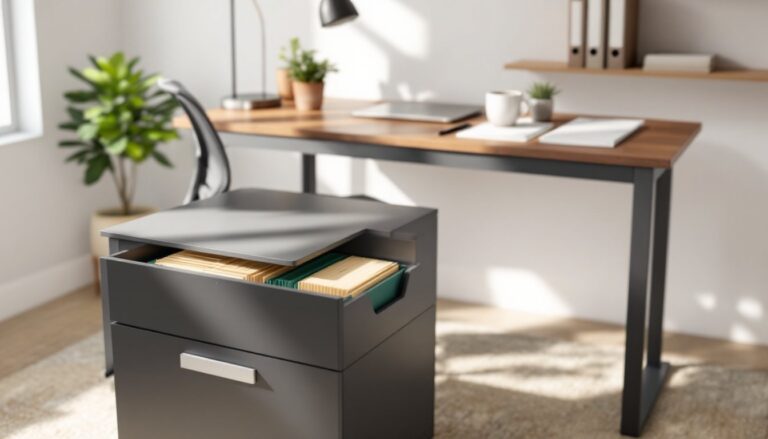
Filing cabinets aren’t glamorous, but they’re practical. A two-drawer lateral file fits under most desks and holds letter- or legal-size folders. For a home office that doubles as a guest room or multipurpose space, consider furniture with built-in storage, desks with drawers, credenzas, or storage ottomans.
Cable management often gets overlooked until it’s a tangled mess. Use cable clips, sleeves, or raceways to route power and data cables along the desk legs or wall. Velcro straps keep excess length bundled. A surge protector with a mounting bracket can attach to the underside of the desk, keeping outlets accessible but out of sight. Strategic workspace enhancements like these prevent cords from becoming a visual and physical obstacle.
Position Your Monitor and Tech for Maximum Efficiency
Monitor placement has a direct impact on neck strain, posture, and productivity. A screen that’s too low forces the head to tilt down for hours: too high causes the chin to jut forward. Both lead to discomfort and distraction.
The top of the monitor should sit at or slightly below eye level when seated. For most adults, that means the screen center is about 15 to 20 degrees below horizontal eye line. Position the monitor an arm’s length away, roughly 20 to 30 inches. If the text looks too small at that distance, increase the font size or display scaling rather than leaning forward.
Laptops are notorious ergonomic offenders because the screen and keyboard are attached. For extended work sessions, use a laptop stand or stack of books to raise the screen to the correct height, then add an external keyboard and mouse. This setup mimics a desktop configuration and eliminates the hunched posture that comes with staring down at a laptop on a flat desk.
For dual-monitor setups, arrange screens side by side with minimal bezel gap, angled slightly inward. If one monitor is used more frequently, center that one directly in front and place the secondary screen to the side. Monitor arms with articulating joints allow height, tilt, and rotation adjustments, and they free up desk space. Most arms use a VESA mount (common sizes are 75×75 mm or 100×100 mm), so check compatibility before purchasing.
Keyboards and mice should sit at the same height, allowing the forearms to remain parallel to the floor. Mechanical keyboards are popular among remote workers for their tactile feedback, though they can be noisy, consider tactile or linear switches instead of clicky ones if noise is a concern. Ergonomic mice and split keyboards reduce wrist strain for those prone to repetitive strain injuries.
Power outlets and USB ports are always in short supply. A desktop power strip or USB hub keeps connections within reach without crawling under the desk every time a device needs charging.
Create the Ideal Acoustic Environment
Noise is one of the biggest productivity disruptors, whether it’s street traffic, household activity, or the hum of HVAC systems. Controlling sound in a home office doesn’t require soundproofing the entire room, targeted acoustic treatment makes a noticeable difference.
Hard surfaces, drywall, wood floors, glass, reflect sound and create echo. Soft materials absorb it. Adding a rug under the desk or in the center of the room dampens footsteps and general noise. Curtains or drapes over windows absorb sound better than blinds. Upholstered furniture, like a reading chair or a fabric-paneled screen, also helps.
For those dealing with persistent background noise, acoustic panels are an upgrade worth considering. These foam or fabric-wrapped panels mount on walls and reduce echo and reverberation. Focus on the wall behind the monitor and any large empty wall surfaces. Panels are lightweight and install with adhesive strips or small nails, no major construction required.
White noise machines or desktop fans mask intermittent sounds like conversations or dog barks. Some people prefer them to silence, especially in open-plan homes. Noise-canceling headphones are another option, particularly for video calls or when deep focus is needed. Look for over-ear models with active noise cancellation (ANC) for the best performance.
If the home office shares a wall with a noisy room, adding weatherstripping around the door and a door sweep at the bottom reduces sound leakage. It’s not as effective as true soundproofing, but it’s cheap and takes minutes to install. Combining these office productivity tools and techniques creates a quieter, more focused environment without major renovation.
Add Personality with Productive Decor and Plants
A home office doesn’t have to look like a corporate cubicle. Personal touches make the space more inviting and can even improve focus, as long as they don’t become distractions. The trick is choosing decor that serves a purpose or genuinely brings joy, not just filling space.
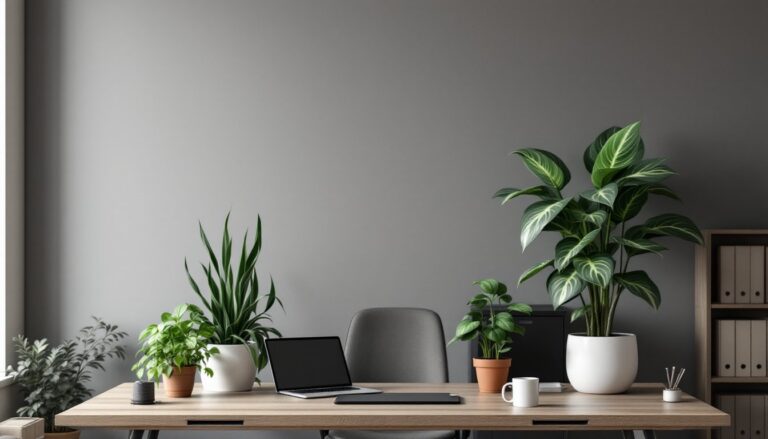
Plants are a popular choice, and for good reason. They improve air quality, add visual interest, and provide a calming element. Low-maintenance varieties like pothos, snake plants, or ZZ plants thrive in indirect light and tolerate irregular watering. Avoid high-maintenance species that require constant attention, nobody needs a dying fiddle-leaf fig as a productivity project.
Wall art, motivational prints, or a corkboard for pinning notes and inspiration can personalize the space without cluttering the desk. Keep it simple, one or two statement pieces work better than a gallery wall that competes for attention. A large whiteboard or chalkboard is both functional and decorative, useful for brainstorming, task lists, or sketching ideas.
Color choice affects mood. Blues and greens are calming and promote focus: yellows and oranges are energizing but can be overstimulating in large doses. Neutral tones, grays, beiges, whites, provide a clean backdrop that won’t distract. Accent walls or painted trim add personality without overwhelming the space.
Keep personal items intentional. A few framed photos, a small sculpture, or a meaningful object is enough. Too many tchotchkes create visual noise and become another thing to dust. Many home office makeover ideas emphasize minimalism not because it’s trendy, but because it’s functional.
For those exploring an eco-friendly office approach, choose decor made from sustainable materials, reclaimed wood, bamboo, recycled metal. It’s a small step, but it aligns the workspace with broader values without sacrificing style or function.
A productive home office is the result of dozens of small, deliberate decisions. Ergonomic furniture supports the body. Good lighting protects the eyes. Organization reduces friction. Thoughtful decor makes the space pleasant without becoming a distraction. None of this requires a complete renovation or a designer budget, just attention to detail and a willingness to adjust until it feels right. The payoff is a workspace that doesn’t just look good, but actually helps get work done.