Table of Contents
ToggleSetting up a functional home office means more than just finding desk space. After spending months testing office seating for long work sessions, the Nouhaus Ergo3D consistently delivers on its ergonomic promises without the four-figure price tag seen on high-end Herman Miller or Steelcase models. This chair addresses real pressure points, lower back fatigue, shoulder tension, and the fidgeting that comes from fixed armrests, with adjustable components that actually stay put once you’ve dialed them in. For remote workers, freelancers, or anyone logging 6+ hours daily at a desk, understanding what this chair does well (and where it compromises) matters before you spend $300-$400 on seating.
Key Takeaways
- The Nouhaus Ergo3D ergonomic office chair delivers adjustable lumbar support and ergonomic features at a mid-range $300–$400 price point, making it a practical alternative to premium brands like Herman Miller and Steelcase.
- Its 4D armrests and dual-axis lumbar support system allow precise customization to reduce neck, shoulder, and lower-back strain during extended work sessions without creating pressure points.
- The breathable mesh backrest and waterfall seat edge design promote better circulation and comfort during 8+ hour days, particularly in non-air-conditioned home offices.
- At a 275 lbs weight capacity and with a headrest that may not suit users taller than 6’2″, the chair is best suited for remote workers and freelancers between 5’2″ and 6’2″ who prioritize adjustability.
- Assembly takes 25–40 minutes with basic tools, and dialing in the adjustable components (seat height, armrest position, lumbar depth/height) is critical for achieving optimal ergonomic support.
- The Ergo3D’s 135-degree recline with tilt-lock and adjustable recline tension enables flexible positioning for both focused work and media consumption without compromising upright posture for typing.
What Makes the Nouhaus Ergo3D Stand Out?
The Ergo3D differentiates itself through a breathable 3D lumbar support system that adjusts both depth and height, uncommon in this price bracket. Most budget ergonomic chairs offer fixed or single-axis lumbar pads that either press too hard or disappear entirely once you lean back. Nouhaus uses a flexible mesh panel tensioned across a movable frame, letting users fine-tune support without creating pressure points.
The chair’s weight capacity of 275 lbs sits in the middle of the pack, adequate for most users but not designed for heavy-duty commercial environments. The five-star nylon base with 2.5-inch casters rolls smoothly on both carpet and hard floors without requiring a separate mat, though heavier users may want to upgrade to rollerblade-style wheels for better floor protection.
Another standout: the 135-degree recline with tilt-lock. Unlike cheaper task chairs that only tilt or lock upright, the Ergo3D lets you lock the backrest at multiple angles. The recline tension adjusts via a knob under the seat, crank it clockwise for more resistance if you’re heavier or prefer a stiffer lean. This feature alone saves the chair from feeling like a rigid office prop during video calls or reading sessions.
Key Features and Adjustability Options
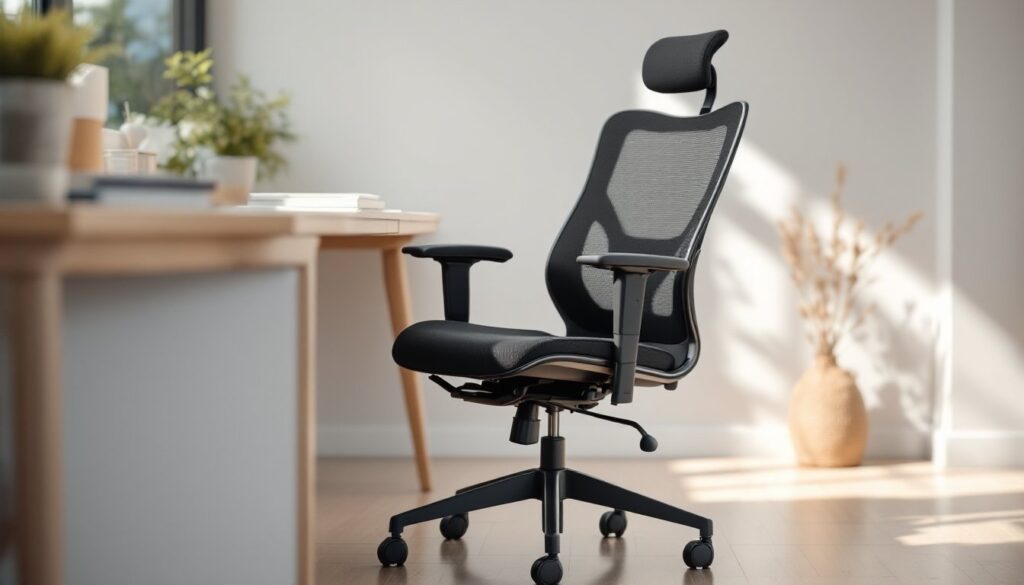
The Ergo3D packs six major adjustment points: seat height (pneumatic lift, 17.7–21.6 inches), seat depth (2.4-inch slide), backrest height, backrest angle, lumbar depth and height, plus 4D armrests. That’s more range than many $600 chairs, but quality varies by component.
Seat depth adjustment is critical for shorter users (under 5’4″) or anyone whose knees hang over the seat edge. The Ergo3D’s slide mechanism uses a lever under the front of the seat to shift the cushion forward or back. It’s not tool-free, you’ll loosen a knob, slide, then retighten, but it stays locked once set. The seat cushion itself uses high-density foam (not memory foam), which maintains shape better over 12+ months but feels firmer in the first week.
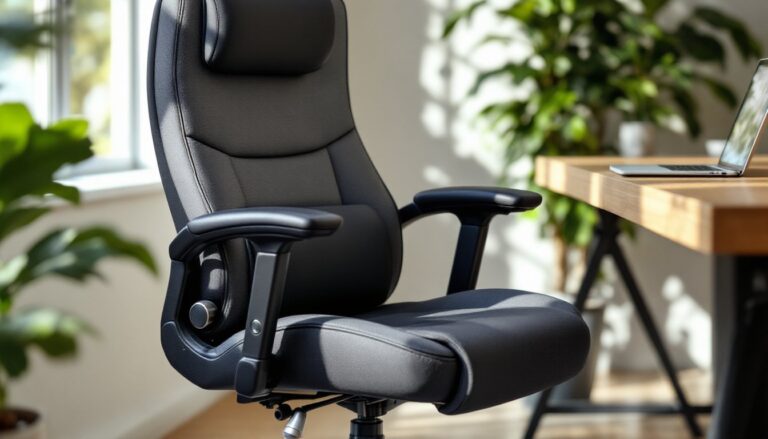
The headrest adjusts vertically and pivots forward/back, though it doesn’t telescope out for users with longer torsos. If you’re over 6’2″, the headrest may land mid-shoulder blade instead of cradling your neck. Not a dealbreaker, but worth noting if you plan to recline frequently.
4D Armrests and Lumbar Support System
The 4D armrests move up/down (3.1 inches of travel), forward/back, side-to-side, and pivot inward up to 30 degrees. This lets you position them for typing (elbows at 90 degrees, forearms parallel to desk) or pull them closer when using a game controller or drawing tablet. The adjustment buttons sit on the armrest posts, press to release, push to position, release to lock. They hold firm under normal use but can drift slightly if you habitually push yourself up from the armrests when standing. If that’s your habit, snug the locking mechanism every few months.
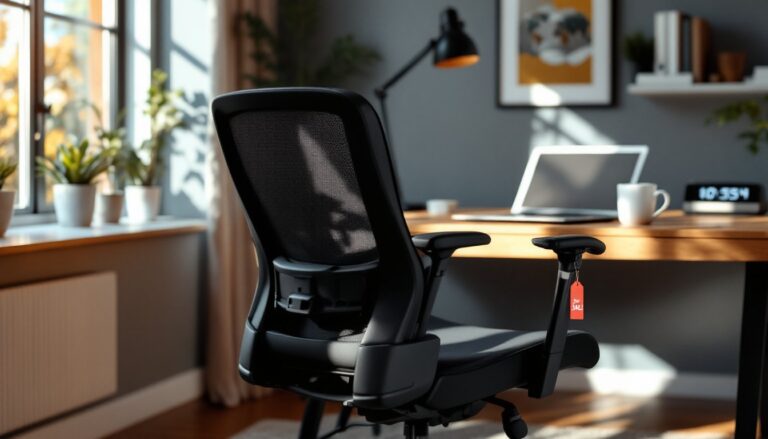
The lumbar support separates into two adjustments: a height slider on the back of the backrest and a depth knob. Start by setting height first, align the curved mesh pad with the small of your back, roughly belt-line level. Then turn the depth knob clockwise to push the pad forward until you feel light, even pressure. Over-tightening creates a prodding sensation: too loose and it vanishes. Many users reviewing best office chairs praise this dual-axis system for accommodating different spine curves without requiring aftermarket lumbar pillows.
Comfort and Ergonomics for Long Work Sessions
Comfort during 8-hour stretches depends on how well the chair distributes pressure and supports neutral posture. The Ergo3D uses a contoured waterfall seat edge that slopes down at the front, reducing pressure on the back of your thighs. Combined with the breathable mesh backrest, this keeps circulation steady, you’re less likely to develop the “dead leg” numbness common with flat, hard seats.
The mesh backrest uses a tighter weave than budget models, so it doesn’t sag or create hammock-effect slouching. Airflow stays good even in non-air-conditioned spaces, a real advantage if your home office is in a converted garage or attic. But, the mesh won’t provide the plush, cushioned feel of a padded leather executive chair. If you prefer that cocooned sensation, this isn’t your chair.
Neck and shoulder relief improves noticeably once the armrests and lumbar are dialed in. Many shoulder and upper-back issues stem from armrests set too high (shoulders shrug) or too low (arms dangle, straining the trapezius muscles). The Ergo3D’s range lets most users achieve that neutral 90-degree elbow bend. Testing by expert reviewers confirmed reduced tension after four-hour continuous use compared to fixed-armrest task chairs.
One limitation: the seat cushion firmness doesn’t suit everyone. If you’re under 130 lbs or prefer a softer sit, consider adding a thin gel cushion for the first month while the foam breaks in. Heavier users (220+ lbs) report the cushion holds up well past the one-year mark without bottoming out.
Assembly and Setup Process
The Ergo3D ships in a 28 x 22 x 12-inch box weighing roughly 48 lbs. Plan for 25–40 minutes of assembly, depending on your comfort with Allen wrenches and how carefully you read instructions.
What’s in the box: base, seat cushion, backrest, headrest, armrests (already attached to seat), hardware bag, Allen key, and a pictogram instruction sheet. No written steps, just numbered diagrams. If you’ve assembled IKEA furniture, this is similar difficulty.
Step-by-step basics:
- Install casters into the five-star base, press firmly until they click. No tools needed.
- Slide the pneumatic cylinder into the base center hole. It’s a friction fit: tap it with a rubber mallet if it resists.
- Attach the backrest to the seat using four bolts (two per side). The seat mechanism has pre-drilled holes: align the backrest brackets and hand-tighten first, then use the Allen key in a star pattern to avoid uneven pressure.
- Mount the headrest onto the backrest’s rear posts. Slide it down into the tubes and tighten the side knob.
- Lower the assembled seat/backrest unit onto the pneumatic cylinder. Align the mounting plate and press down, it’ll click into place.
Pro tip: Before tightening the backrest bolts fully, sit in the chair and check alignment. If the backrest tilts slightly left or right, loosen the bolts, adjust, and retighten. This saves you from disassembling later.
Safety note: The pneumatic cylinder is pressurized. Don’t attempt to disassemble or puncture it. If it fails (rare, but possible), contact Nouhaus for a replacement, don’t jury-rig a fix.
Adjustment setup takes another 10 minutes. Start with seat height (feet flat, thighs parallel to floor), then armrests, lumbar, and finally recline tension. Write down your settings if multiple people use the chair: re-adjusting from scratch every time gets old fast.
Who Should Buy the Nouhaus Ergo3D?
This chair works best for home office users between 5’2″ and 6’2″ who spend 6+ hours daily seated and need real adjustability without spending $700+. It fits tight budgets while delivering ergonomic features that reduce neck, shoulder, and lower-back strain over multi-hour sessions.
Ideal users:
- Remote workers and freelancers who can’t expense a high-end task chair but need better support than a kitchen chair or hand-me-down office castoff.
- Gamers and students logging long hours who want 135-degree recline for media consumption without sacrificing upright posture for typing or studying.
- Shorter users (5’2″–5’6″) who struggle with most office chairs because the seat depth is too long. The Ergo3D’s slide adjustment solves that.
- Budget-conscious buyers who’ve compared features and recognize the Ergo3D offers 4D armrests and dual lumbar adjustment at roughly half the price of Steelcase Series 1 or Herman Miller Sayl.
Not the best fit for:
- Taller users over 6’3″, the headrest and backrest height won’t provide full support. Consider the Nouhaus +Ergo3D (taller version) or look at chairs with extended backrests.
- Users over 275 lbs, the weight limit is firm. Heavier individuals should explore chairs rated for 300+ lbs with reinforced frames.
- Anyone wanting plush, executive-style seating, the firm foam and mesh won’t deliver that padded, high-back leather chair feel.
- Commercial/shared office environments, daily multi-user wear shortens lifespan. For office hoteling, invest in commercial-grade seating rated for 24/7 use.
The Ergo3D consistently appears in roundups like the best office chairs of 2025 for delivering better-than-expected performance in its price tier. If your budget caps at $400 and you need adjustability, it’s a practical pick. If you can stretch to $600-$800, chairs like the Steelcase Gesture or Haworth Fern offer longer warranties and more durable components, but the feature gap isn’t huge.
Conclusion
The Nouhaus Ergo3D balances ergonomic adjustability with realistic pricing for home office users who need more than basic task seating but can’t justify high-end models. Its 4D armrests, dual-axis lumbar support, and recline range address the most common pressure points in long work sessions, while the breathable mesh keeps things comfortable in warmer spaces. Assembly is straightforward, though expect 30–40 minutes and some Allen-key work. If you fit the height and weight specs and spend serious time at a desk, this chair delivers measurable improvement over fixed, non-adjustable alternatives.