Table of Contents
ToggleSciatica pain turns every workday into an endurance test. That shooting discomfort radiating down the leg, the numbness in the lower back, the constant need to shift positions, all of it stems from compressed or irritated sciatic nerves. And if someone’s spending eight hours a day in a poorly designed office chair, they’re not just uncomfortable, they’re actively making the problem worse. The right chair won’t cure sciatica, but it can significantly reduce flare-ups and provide the support needed to work without constant pain. This guide breaks down what to look for, which chair types deliver real relief, and how to set up a workspace that works with the body, not against it.
Key Takeaways
- An office chair for sciatica pain must feature adjustable lumbar support at belt level, which maintains the spine’s natural S-curve and reduces pressure on the L4-L5 and L5-S1 discs where nerve compression occurs.
- Proper seat setup is critical: maintain 2-4 inches between the knees and seat edge, keep the backrest angled at 100°-110°, and ensure feet rest flat on the floor at 90° knee angle to prevent circulation restriction.
- Ergonomic task chairs with full adjustability (lumbar support, seat depth adjustment, and synchro-tilt mechanisms) are the most versatile option for people spending 6+ hours daily at a desk to manage sciatica symptoms.
- Taking micro-breaks every 30-40 minutes with standing, walking, or stretching is essential because prolonged static sitting, even in an ideal chair, causes tissue stiffening and nerve compression.
- A waterfall edge seat design and high-density foam cushioning (1.8-2.0 lb/ft³) prevent thigh compression and maintain even weight distribution throughout the workday.
- Pairing an ergonomic office chair with an adjustable-height desk creates the flexibility needed to shift postures and reduce long-term strain on the sciatic nerve.
Understanding Sciatica Pain and Why Your Office Chair Matters
The sciatic nerve runs from the lower spine through the hips and down each leg. When something compresses or irritates it, whether that’s a herniated disc, spinal stenosis, or tight piriformis muscles, pain, tingling, or numbness follows. Sitting magnifies the problem because it loads the lower spine and can tilt the pelvis forward, increasing pressure on the nerve.
A standard office chair with minimal lumbar support and a flat seat pan forces the spine into flexion, which narrows the space where nerve roots exit the vertebrae. Add in a non-adjustable backrest and a seat edge that digs into the back of the thighs, and circulation drops while nerve compression rises. Over time, this creates a cycle: sitting hurts, so posture deteriorates, which increases pain.
The solution isn’t standing all day, that brings its own issues. It’s choosing a chair that maintains the spine’s natural S-curve, distributes weight evenly across the sit bones, and allows micro-adjustments throughout the day. Proper support reduces pressure on the lower lumbar discs (L4-L5 and L5-S1, the most common sciatica trigger points) and keeps the pelvis in a neutral position. That’s not marketing talk: it’s biomechanics.
Essential Features to Look for in a Sciatica-Friendly Office Chair
Not every “ergonomic” chair addresses sciatica. Some focus on neck support or armrest angles but ignore the lower back entirely. Here’s what actually matters.
Lumbar Support and Adjustability
Adjustable lumbar support is non-negotiable. The lumbar region (the five vertebrae between the ribcage and pelvis) needs to curve slightly inward. A chair with fixed lumbar support might work for one person and aggravate another because everyone’s spinal curvature is different. Look for chairs that let the user adjust both the height and depth of the lumbar pad.
Some high-end models use a dynamic lumbar mechanism that shifts as the user reclines, maintaining contact with the lower back through different postures. That’s ideal for people who alternate between leaning forward to type and reclining during calls. The lumbar pad should sit right at the belt line, not higher up near the shoulder blades (that’s thoracic support, which is also useful but won’t help sciatica).
Recline tension and tilt lock matter too. A chair that reclines smoothly without forcing the user to push hard reduces strain on the lower back. The ability to lock the recline at different angles, say, 100°, 110°, or 120°, lets someone take pressure off the spine periodically without losing postural support. Research from ergonomics labs suggests a slightly reclined posture (100°-110°) reduces disc pressure compared to bolt-upright sitting.
Seat Depth, Cushioning, and Material
Seat depth adjustment is critical but often overlooked. A seat pan that’s too deep forces shorter users to choose between lower back support and circulation in their legs. Too shallow, and taller users lose thigh support. The ideal setup leaves 2-4 inches of space between the back of the knees and the seat edge. Many sciatica-friendly chairs include a sliding seat pan mechanism.
Waterfall edge design, a gentle downward slope at the front of the seat, prevents the seat edge from compressing the back of the thighs and restricting blood flow. Poor circulation in the legs can mimic or worsen sciatica symptoms, so this seemingly small detail makes a real difference.
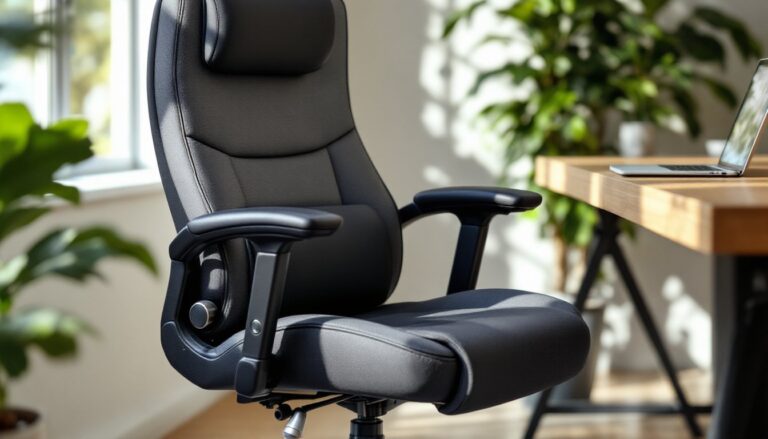
Cushioning type varies. High-density foam (1.8-2.0 lb/ft³ density) holds its shape over years of use and distributes weight evenly. Cheaper chairs use low-density foam that collapses within months, creating pressure points. Mesh seats offer breathability and some give, but they don’t suit everyone, some users find them too firm for all-day sitting. Memory foam adds comfort but can retain heat: gel-infused foam splits the difference.
Finally, seat tilt (forward or backward) can help. A slight forward tilt opens the hip angle and reduces lumbar compression, which some people with sciatica prefer. Others need a slight backward tilt to take weight off the sit bones. Chairs with multi-tilt or synchro-tilt mechanisms allow experimentation.
Top Office Chair Types That Reduce Sciatica Discomfort
Not every sciatica sufferer needs the same chair. The best type depends on pain triggers, workday habits, and budget.
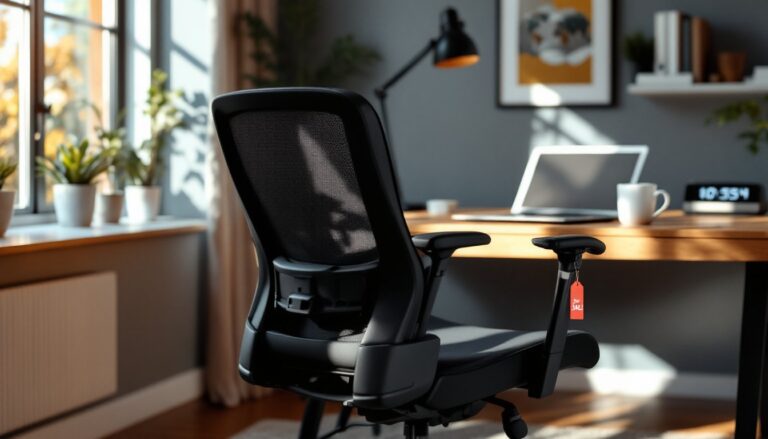
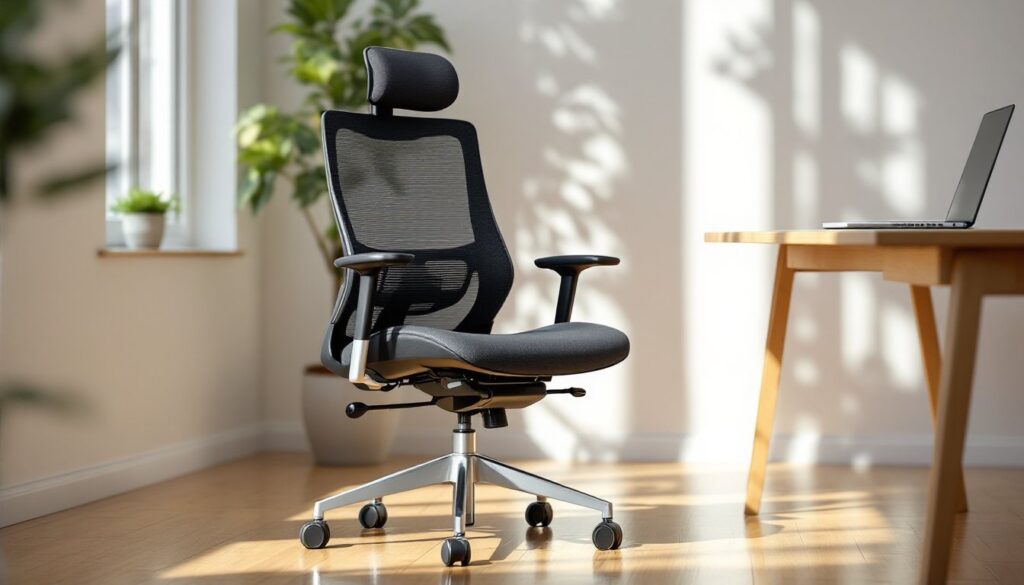
Ergonomic task chairs with full adjustability are the most versatile. Models with independent lumbar support, seat depth adjustment, and synchro-tilt mechanisms work well for people who spend 6+ hours a day at a desk. High-quality examples include chairs with breathable mesh backs and thick seat cushions. These chairs typically range from $400 to $1,200. For those interested in furniture building tutorials or custom workspace projects, pairing an ergonomic chair with a properly sized desk makes a significant difference in overall posture.
Kneeling chairs shift the pelvis forward and redistribute weight between the shins and buttocks, which can relieve lower back pressure. They’re not ideal for all-day use, most people find them uncomfortable after 2-3 hours, but they work well for rotating between seated postures. Not recommended for anyone with knee issues.
Saddle chairs position the user in a semi-standing posture with legs angled down, similar to sitting on a horse. This opens the hip angle to around 135°, which reduces lumbar disc pressure. They take getting used to and don’t work well for tasks requiring armrests, but some sciatica sufferers swear by them.
Active sitting options like balance ball chairs or wobble stools engage core muscles and prevent static loading of the spine. These can help during flare-ups but aren’t substitutes for a properly supportive chair during long work sessions. Think of them as supplemental, not primary.
Recliners with lumbar support suit people who work from laptops or do a mix of computer work and phone calls. A zero-gravity recliner (which elevates the legs above the heart) can provide tremendous relief during acute sciatica episodes, though it’s harder to type in that position. Some hybrid models combine recliner comfort with task chair adjustability.
For anyone exploring creative hacks to modify existing furniture, adding lumbar cushions or custom seat pads to a basic chair is a budget-friendly starting point. But for chronic sciatica, investing in a purpose-built chair usually pays off.
One note: chairs marketed as “gaming chairs” often emphasize aesthetics over ergonomics. Some offer decent lumbar support, but many rely on throwaway pillows instead of integrated adjustable mechanisms. If considering a gaming chair, verify the lumbar support is built-in and adjustable, not just a removable cushion.
How to Set Up Your Office Chair for Maximum Sciatica Relief
Even the best chair fails if it’s adjusted incorrectly. Follow this sequence every time:
-
Adjust seat height so feet rest flat on the floor (or on a footrest) with knees at a 90° angle. Thighs should be parallel to the ground or angled slightly downward. If the chair’s too high, the front edge compresses thighs: too low, and hips drop below knees, increasing lumbar strain.
-
Set seat depth so there’s 2-4 inches between the back of the knees and the seat edge. Slide the seat pan forward or backward as needed.
-
Position lumbar support at belt level, supporting the natural inward curve of the lower spine. Adjust the depth so it gently pushes the lumbar region forward without feeling like a hard knot.
-
Adjust backrest angle to 100°-110°. Sitting bolt upright (90°) increases disc pressure: a slight recline helps. Use the tilt lock to hold the angle.
-
Set armrests so shoulders relax and elbows rest at 90°. Armrests that are too high force shoulders up, causing upper back tension: too low, and the user slouches. Armrests should support the forearms without lifting the elbows off the torso.
-
Check monitor height. The top of the screen should be at or slightly below eye level, about an arm’s length away. Poor monitor placement causes forward head posture, which cascades into neck and upper back strain, and that tension travels down.
-
Use a footrest if feet don’t reach the floor after seat height adjustment. A footrest keeps knees and hips aligned and prevents sliding forward in the seat.
Micro-breaks matter as much as the chair itself. Every 30-40 minutes, stand up, walk a few steps, or do a quick hip flexor stretch. Prolonged static sitting, even in a perfect chair, allows tissues to stiffen and nerves to compress. Setting a timer helps.
Some people benefit from a lumbar roll or cushion even in an adjustable chair, especially during long meetings. A small cylindrical cushion placed at the belt line can fine-tune support. Just make sure it doesn’t push the pelvis forward into an anterior tilt, which defeats the purpose.
Anyone working from home should also evaluate desk height. A desk that’s too high forces shoulder elevation: too low, and the user hunches. Standard desk height is 28-30 inches, but adjustable-height desks (manual crank or electric) let users dial in the exact fit. Pairing an adjustable desk with an ergonomic chair gives the most flexibility. For those curious about modern design inspiration, consider how desk and chair aesthetics can integrate into a home office without sacrificing function.
Conclusion
Sciatica won’t vanish with a new chair alone, but the right setup makes daily work manageable instead of miserable. Prioritize adjustable lumbar support, proper seat depth, and the ability to shift postures throughout the day. Test chairs when possible, what feels good in a showroom might not hold up after four hours of email. And remember: setup matters as much as the chair itself. Take ten minutes to dial in every adjustment, and revisit it weekly as the body adapts.